
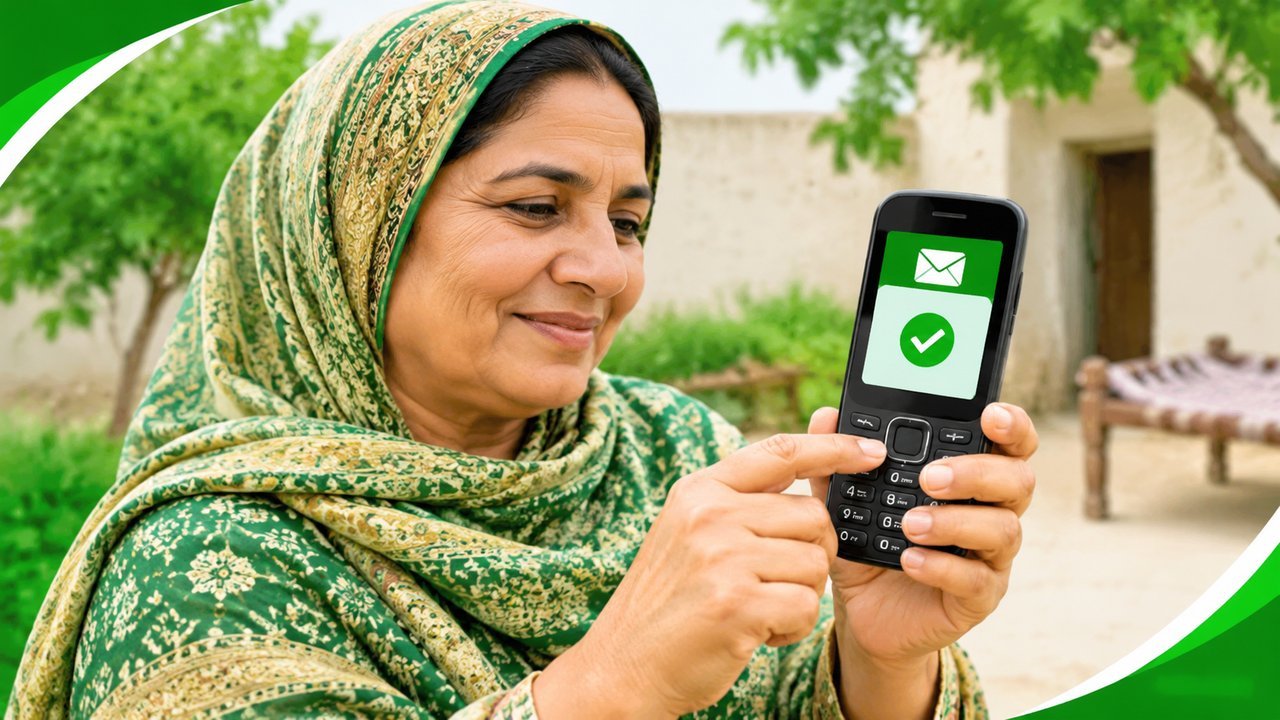
Not everyone has a smartphone or internet at home, and that should not stop you from checking your BISP payment. The 8171 SMS service lets you check your status with a simple text message — all you need is your CNIC number and any basic mobile phone.
How to check your payment by SMS to 8171
- Open the message app on your phone and start a new message.
- Type your 13-digit CNIC number, without dashes or spaces.
- Send the message to 8171.
- Wait for the official reply, which tells you about your eligibility and payment status.
The reply comes from the official service. Read it carefully and keep the message saved on your phone, so you can show it later if anyone asks.
What the SMS reply means
- Eligible: your record shows you qualify. Follow only the official instructions for collecting your payment.
- Under verification: your record is still being checked. This is normal and does not mean your payment is cancelled. Check again after a few days.
- Not eligible: the record shows you do not qualify under the current criteria. You can visit a BISP office with your CNIC to ask why.
- No record found: there may be a typing mistake, or your household may not be registered. Check the digits and try once more, then ask at a BISP office if it still shows nothing.
How much does the SMS cost?
The SMS costs what your mobile network normally charges for a text message. BISP does not charge any extra fee for the check itself. If someone asks you to pay them for “checking by SMS”, they are cheating you — the check is something you can do yourself in one minute.
Common SMS mistakes to avoid
- Dashes or spaces in the CNIC: type only the 13 digits, nothing else.
- Sending to the wrong number: the official number is 8171. A message sent to any other number will not give you your official record.
- No reply at all: sometimes the reply takes a little while. Wait before sending again, and do not send the same message many times in a row.
- Old or borrowed SIM: use your own number where possible, so the reply reaches you directly.
If the SMS service does not work for you, you can also check on the official web portal at https://8171.bisp.gov.pk/ with the same CNIC number.
Stay safe from fake SMS replies
BISP never asks for your bank details, OTP, or any fee by SMS. If you get a message claiming your payment is ready but asking for money or a code, do not reply and do not click any link in it. Only trust replies from the official 8171 service and the official portal.
FAQ
Q: Do I need a smartphone for the 8171 SMS check? A: No. Any phone that can send a text message works. You only need your CNIC number.
Q: How long does the reply take? A: Usually a short while. If no reply comes, wait and send the message once more, then try the web portal if it still does not arrive.
Q: Can I check someone else’s CNIC by SMS? A: You can send any CNIC number, but only use it for your own household’s record. Never share another person’s CNIC with agents or strangers.